
To start Zenless Zone Zero on PC, use either the official HoYoPlay download on the Zenless Zone Zero website or the verified Steam store page. Before downloading, compare the requirements with the PC and drive you plan to use. Then complete the opening objectives and use the current in-game guidance before looking for detailed builds or character advice.
Zenless Zone Zero is HoYoverse's urban-fantasy action RPG. You play a Proxy, working with Agents on commissions connected to dangerous spaces called Hollows. This guide is about getting started on PC: choosing a legitimate route, preparing the machine, and making sense of the first session. It is not a complete combat, team-building, or performance guide.
Choose a legitimate PC download route
Two PC routes are verified at the time of this review:
- HoYoPlay. The official Zenless Zone Zero website offers a PC download through HoYoPlay.
- Steam. The Steam listing identifies the game as free to play and requires a HoYoverse Account; it also says that account can be linked to Steam.
Start from one of those pages rather than from a download mirror or a reward offer. Before confirming an account link, read the prompt on the route you chose. The Steam listing also identifies a third-party EULA and kernel-level anti-cheat, so it is worth checking those disclosures before installation rather than treating the download as a no-questions-asked step.
Storefront availability and account prompts can vary by region or change with an update. If the official page shown to you differs from this description, follow the current official page and pause before linking an account you did not intend to use.
Check your PC and free space first
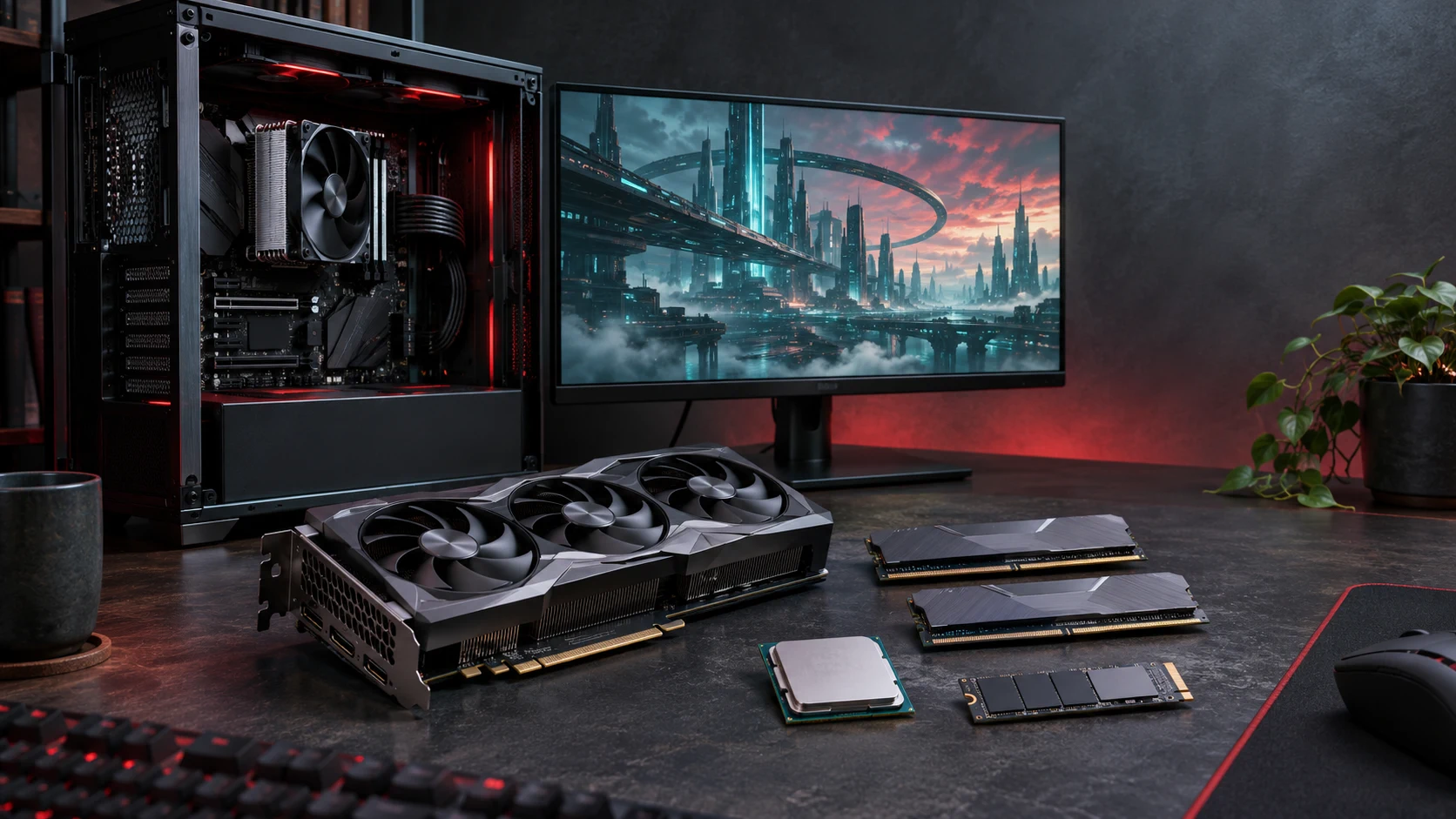
HoYoverse's PC support requirements list Windows 10 64-bit or later, DirectX 11.1 or later, an Intel Core i5 (7th generation) or AMD equivalent, 8 GB RAM, and an NVIDIA GeForce GTX 970 or similar as the minimum specification. The Steam listing lists the same core minimums, while also noting that an HDD is supported and an SSD is recommended.
The storage figures are different, and that difference matters:
- HoYoverse support lists 57 GB for the game plus another 58 GB during unpacking.
- Steam lists 75 GB of available storage.
Do not treat either number as a promise that the other route will work with exactly the same free space. Check the drive selected by the launcher or Steam, leave headroom for the unpacking or update process, and treat the route's current prompt as the final requirement for that installation.
A short pre-download check
Before pressing install, confirm these points:
- Your PC meets the published operating-system, processor, memory, graphics, and DirectX requirements.
- The intended drive has more free space than the figure shown by your chosen route.
- You are signed into, or ready to use, the HoYoverse account you want associated with the game.
- You have read the current Steam disclosures if you choose the Steam route.
If one of those checks is unclear, resolve it before the download finishes. It is easier to choose the correct drive and account at the start than after the client is installed.
Your first session: what to do in order
Once the game launches, follow the opening story and the prompts it gives you. The Steam description identifies the player character as a Proxy who works with Agents to explore Hollows and complete commissions; it describes combat around Basic Attacks, Special Attacks, dodges, blocks, and Chain Attacks. That is enough context for the opening hours: learn the response the current prompt is teaching instead of trying to plan an advanced team immediately.
Use this order when the game begins introducing several systems:
- Complete the current opening objective. It gives the context for the controls and the next menu the game expects you to use.
- Read the on-screen combat prompt, then practise that one response. In an early encounter, focus on recognizing an incoming attack and using the dodge or block the game presents before adding another idea.
- Use in-game guidance when it becomes available. The official Version 3.3 announcement says the game has a Beginner Guide and Agent Guides. Agent Guides can be opened from several in-game locations and include information about upgrades and team compositions; some Agents have tutorials for their combat resources and techniques.
- Open an upgrade or event screen only when you understand its stated requirement and purpose. Event conditions and progression gates are often version-specific, so a current in-game notice is more useful than an old general recommendation.
This is an editorial order of operations, not a claim that every account unlocks menus at the same moment. Follow the live client when its order differs.
Combat basics for the first few hours
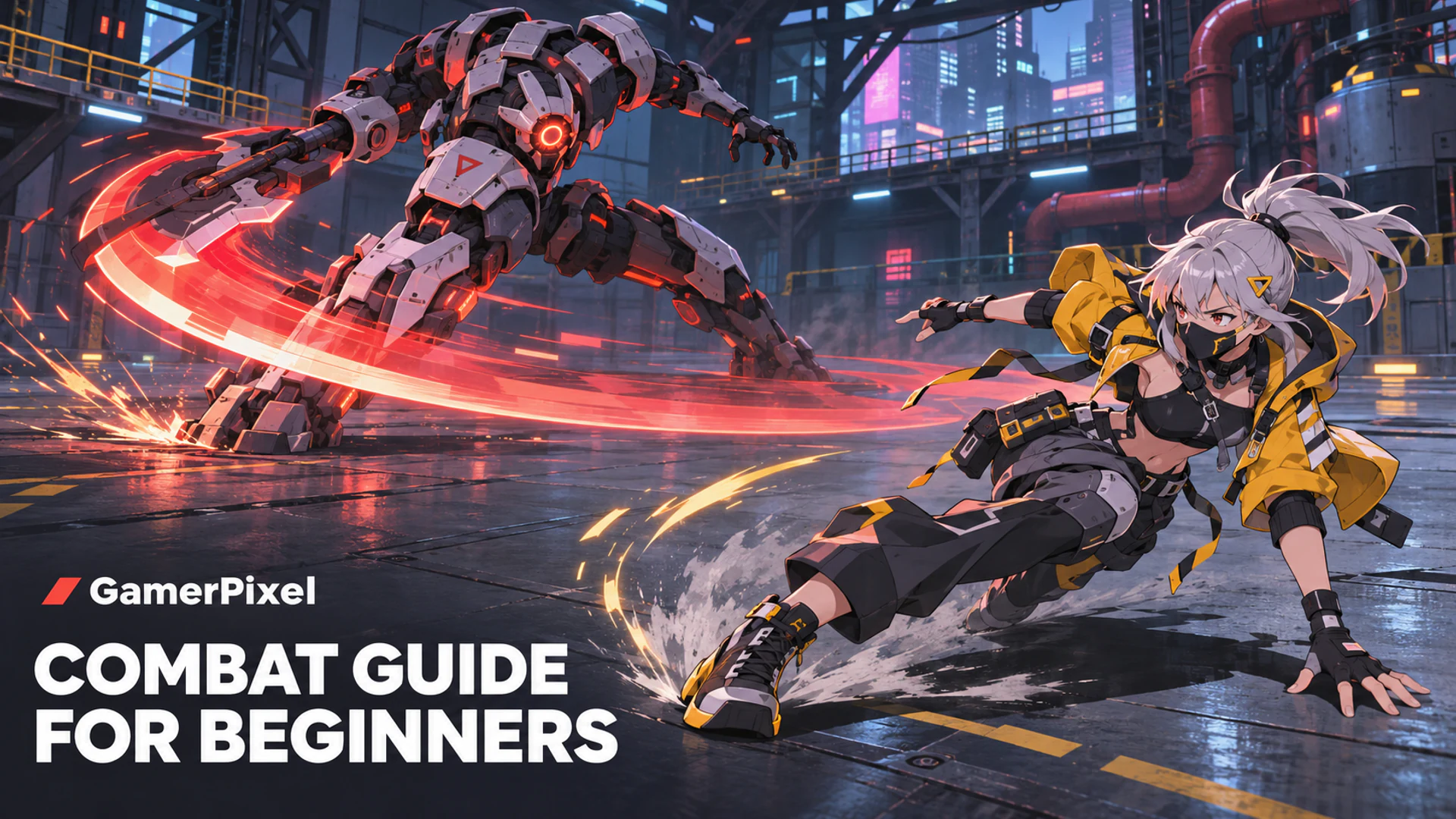
Zenless Zone Zero's Steam page describes combat as a mix of Basic Attacks, Special Attacks, defensive responses, and Chain Attacks. For a new player, the useful first goal is recognition rather than a long rotation:
- Watch the enemy long enough to identify an attack cue.
- Use the defensive response the game teaches for that situation.
- Take the follow-up opportunity when the game clearly presents one.
- Return to an in-game tutorial when an Agent introduces a resource or technique you do not recognize.
That approach keeps the focus on what can be learned from the current version. Exact prompts, Agents, team compositions, and optimal sequences need a separately maintained combat guide rather than a blanket recommendation here.
What to defer until you need it
The early game can present story progress, upgrades, currencies, events, and character-specific systems in quick succession. You do not need a recommendation for every one before continuing. Keep moving through the current objective, use the Beginner Guide or Agent Guide for a system that is now relevant, and check the date and source of any outside advice before relying on it.
For PC-specific questions beyond installation—such as current graphics features, performance troubleshooting, or a newly changed requirement—use the latest official support or update notice for the version you are about to play. HoYoverse's requirements and Steam's listing are the appropriate starting points; neither should be replaced by an unsourced benchmark or a stale settings guide.
Frequently asked questions
Can I play Zenless Zone Zero on PC?
Yes. HoYoverse offers a PC route through HoYoPlay, and Zenless Zone Zero is also available on Steam. Check the official route in your region before downloading.
What PC specifications do I need?
At the time of review, HoYoverse lists Windows 10 64-bit or later, DirectX 11.1 or later, an Intel Core i5 (7th generation) or equivalent, 8 GB RAM, and a GTX 970 or similar as the minimum. Confirm the current page immediately before installation.
How much storage should I leave free?
HoYoverse support lists 57 GB for the game plus 58 GB for unpacking, while Steam lists 75 GB available space. Leave headroom and follow the storage prompt from the route you are installing through.
Should I choose a team or build before I begin?
Not for the purpose of getting started. Complete the opening guidance first, then use the current Beginner Guide and Agent Guides for the systems you have actually unlocked. Any detailed team or character advice needs its own date-stamped sourcing.
Start with the route in front of you
Choose HoYoPlay or Steam from an official page, check the correct drive before installing, and use the opening objectives and current in-game guides to learn the first combat and progression systems. Recheck the official requirements if the client, storefront, or a future update presents different information.
Affiliate disclosure
Ready to start Zenless Zone Zero on PC?
Use this link to continue to a third-party destination.
View the Zenless Zone Zero offerAffiliate disclosure: GamerPixel may earn a commission if you take a qualifying action after following this link.